How to word to pdf
- Choose a DOCX Word document.
- Select page size, orientation and margin settings.
- Convert the document and download the generated PDF.
What this tool does
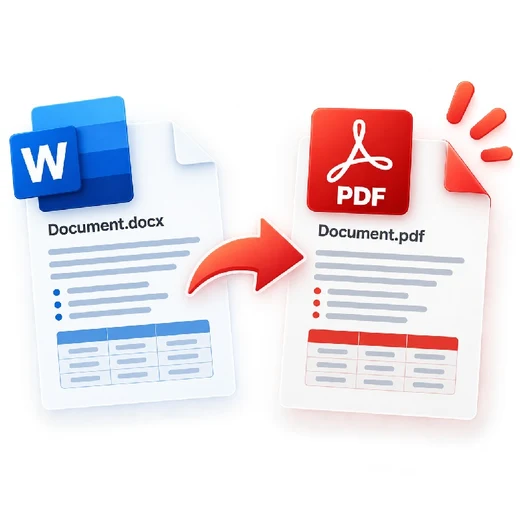
This browser converter reads the DOCX Open XML package and recreates paragraphs, common text formatting, lists and basic tables in a PDF. Advanced Word features such as floating shapes, macros, SmartArt and exact pagination are not reproduced. Legacy binary .DOC files are not parsed locally.
Frequently asked questions
Are DOC and DOCX supported?
DOCX is supported. Legacy binary .DOC files are detected and rejected with a clear message because converting them reliably requires an office rendering engine.
Will Word formatting be identical?
Common paragraphs, bold/italic text, lists and basic tables are retained where possible, but advanced Word layout can differ.
Are images supported?
Inline DOCX images are included when their format can be decoded by the browser. Floating or complex drawing objects may not be reproduced.
Is my Word file uploaded?
No. DOCX reading and PDF generation happen locally in the browser.