How to pdf to excel
- Choose a PDF with selectable text or tables.
- Select pages and tune row/column detection if needed.
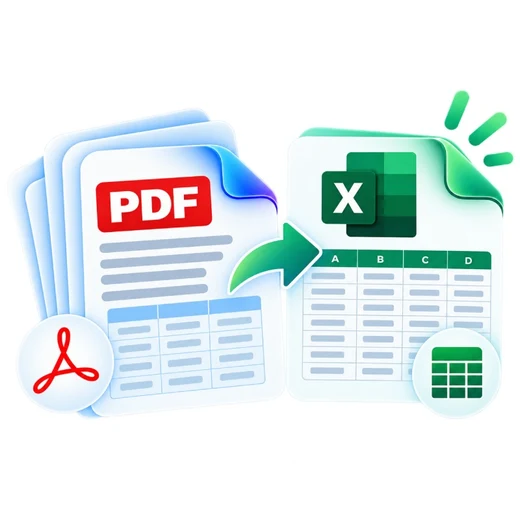
- Convert and download a genuine XLSX workbook with a worksheet per PDF page.
What this tool does
PDFbrix groups PDF text by visual Y positions into rows and uses X gaps to infer columns. This works best with clearly aligned digital tables. It is not OCR and may need cleanup for irregular layouts, merged cells or scanned documents.
Frequently asked questions
Can PDFbrix detect tables automatically?
It detects table-like rows and columns from positioned selectable PDF text. Complex or borderless layouts can require spreadsheet cleanup.
Can I choose specific pages?
Yes. Enter page numbers or ranges, or leave the field blank to process all pages.
Does this tool use OCR?
No. Image-only scans do not contain positioned selectable text and need OCR before table extraction.
Do I get a real Excel file?
Yes. The result is a genuine XLSX workbook with separate worksheets for the selected PDF pages.