Rotate PDF graphic Fast, focused workflow
Organize tool

Rotate PDF

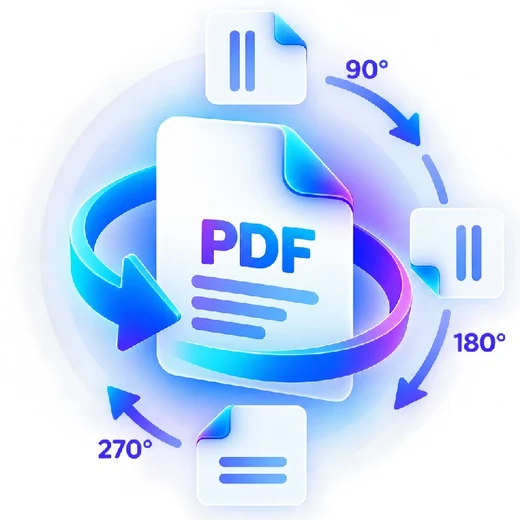
Rotate every page at once with the left/right arrows, or open any page thumbnail and rotate just that one.

Processes locally in your browser No account required

Drop your file here

or choose a file from your device

PDF · up to 250 MB per file · processed in this browser tab

How to rotate pdf

  1. Choose a PDF and wait for the page thumbnails to build.
  2. Use “Rotate all left/right” for every page, or the arrows on a single thumbnail for just that page.
  3. Process and download the rotated PDF.

What this tool does

Correct sideways or upside-down scans while preserving the PDF page content. Each page keeps its own independent rotation, so a mixed-orientation scan can be fixed page-by-page.


Frequently asked questions

Can I rotate only some pages?

Yes. Rotate individual page thumbnails left or right independently of the rest of the document.

Can I rotate every page at once?

Yes. Use the “Rotate all left” / “Rotate all right” buttons in the side panel.

Will rotation change page quality?

No rasterization is required for this tool. It updates page rotation metadata/content orientation.

Can I rotate a page by 180°?

Yes. Click either rotate arrow on that page thumbnail twice.