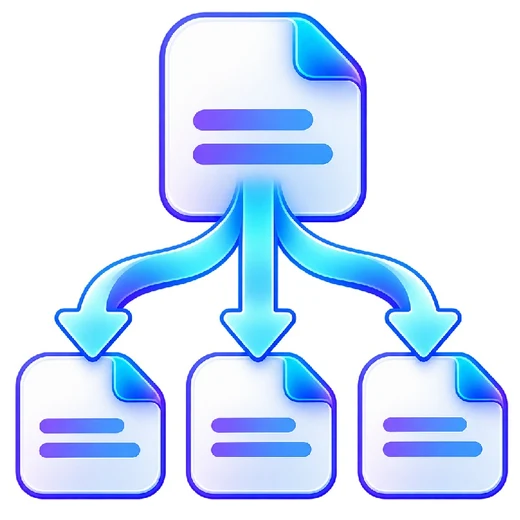
Split PDF graphic Fast, focused workflow
Organize tool

Split PDF

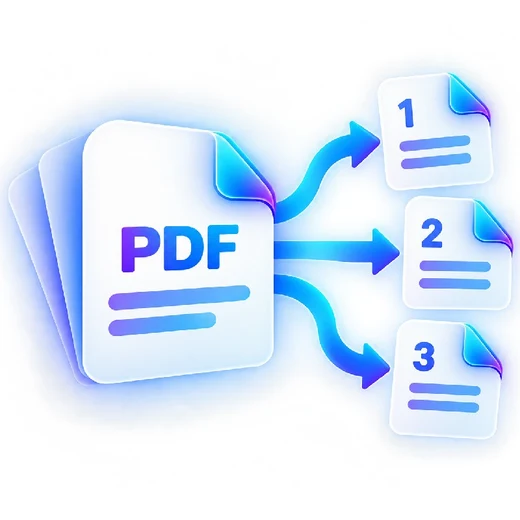
Split one PDF into custom ranges, fixed-size groups, or individual pages.

Processes locally in your browser No account required

Drop your file here

or choose a file from your device

PDF · up to 250 MB per file · processed in this browser tab

How to split pdf

  1. Choose one PDF file.
  2. Select custom ranges, every page, or fixed-size groups.
  3. Process the PDF and download the output file or ZIP.

What this tool does

Create smaller PDFs from a large document without uploading it. Custom ranges make it easy to separate chapters, forms, statements or handouts.
Frequently asked questions

Can I create several PDF parts at once?

Yes. Enter multiple page ranges and PDFbrix will bundle multiple outputs into a ZIP file.

Can I split every page?

Yes. Use the Every page mode to create one PDF per page.

Does splitting reduce quality?

No page rasterization is used by this tool, so original PDF page content is copied into the new files.