How to pdf to word
- Choose a PDF file.
- Select optional pages to convert.
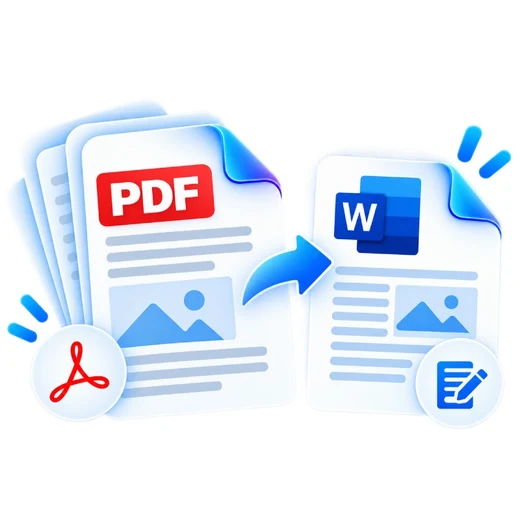
- Convert the document and download a genuine, editable DOCX file.
What this tool does
PDFbrix reconstructs the PDF's real selectable text into Word paragraphs, detecting each line's font size so the result is not a flat, uniform wall of text. Bold/italic carry over where the PDF's embedded font metadata exposes that detail. Scanned PDFs need OCR for editable text, which is not included in this browser-only converter.
Frequently asked questions
Will the Word file be editable?
Yes. The output contains genuine text runs you can click into and edit, not an image of the page.
Can scanned PDFs be converted to editable Word text?
Not with this local converter because it does not perform OCR. OCR the file first if it is a scanned image-only PDF.
Will complex PDF formatting be identical in Word?
Not always. PDF and Word use different layout models, so multi-column layouts and tables may need manual cleanup, though font size, bold and italic are preserved.
Are my files uploaded?
No. PDF rendering and DOCX generation happen locally in the browser.